
Do you know? In 2025, around 92% of students use AI tools in their studies, marking a sharp increase from 66% the previous year. AI is reshaping education from summarizing research to generating notes and solving tough problems. But it is not just about faster essay writing. The real value lies in using the right tools to boost productivity, learn smarter and avoid shortcuts.
In this guide, we have rounded up the best AI tools for students in 2025. For covering writing, research, coding, and productivity, along with their pros, cons, and tips for responsible use. The goal is to help you save time, study efficiently, and unlock your full academic potential with AI as your study partner.
Why AI Tools Matter for Students in 2025
Student life is busier than ever assignments, exams, projects, and part-time work. That is why AI tools for studying are now essential. Here’s how they help:
- Save Time Summarize research, polish grammar, and create study notes in minutes.
- Personal Support Solve math problems, simplify complex ideas, or generate practice quizzes like having a digital tutor 24/7.
- Boost Creativity Brainstorm essay topics, design slides, or generate visuals for standout projects.
- Quick Homework Help Use AI homework helpers to double-check answers or clarify tricky topics.
AI would not replace learning. It makes studying smarter, faster, and easier to manage.
Best AI Tools for Students in 2025
AI has gone from being a nice-to-have to an essential part of student life. Whether it is writing essays, taking notes, managing projects or solving math problems the right tools can save hours of work. Below, we have grouped the best AI tools for students into practical categories so you can find exactly what fits your needs.
| Category | Tool | Pros | Cons | Free / Paid |
| Writing & Research | ChatGPT | Fast, versatile | May hallucinate | Free + Paid |
| Grammarly | Real-time grammar & tone fixes | Premium is pricey | Free + Paid | |
| QuillBot | Strong paraphrasing modes | Word limits on free plan | Free + Paid | |
| Scholarcy | Summarizes papers fast | May oversimplify | Paid (Limited free trial) | |
| Notes & Summaries | Notion AI | Combines notes & tasks | Overwhelming for beginners | Free + Paid |
| Otter.ai | Accurate lecture transcription | Needs clear audio | Free + Paid | |
| Evernote AI | AI summaries, syncs everywhere | Free plan limited | Free + Paid | |
| Productivity | ClickUp AI | Best for group projects | Learning curve | Free + Paid |
| Todoist AI | Simple & mobile-friendly | Limited features | Free + Paid | |
| StudyCrumb | Academic-focused tools | Premium features locked | Free + Paid | |
| STEM & Coding | Wolfram Alpha | Solves equations, explains steps | Technical interface | Free + Paid |
| MathGPT | Easy to use, natural language | May struggle with complex | Free (limited) | |
| GitHub Copilot | Suggests & debugs code | Needs coding basics | Paid (Free trial) | |
| Creativity | Canva AI | User-friendly design | Premium for advanced use | Free + Paid |
| Tome AI | Quick slide generation | Limited customization | Free + Paid | |
| SlidesAI | Turns notes into slides | Needs structured input | Free + Paid |
AI tools can supercharge your academic life but not all of them do the same thing. Some help with writing, others with organizing, coding, or creating presentations. Below, we have broken them down into five categories so you can easily find the right tools for your needs.
AI Tools for Writing & Research
Whether it is essays, assignments, or research projects. These tools save hours of work while improving accuracy and clarity.
ChatGPT
ChatGPT is one of the most versatile AI tools available to students. It can explain difficult topics, create outlines, generate practice questions and even help with brainstorming project ideas.
How to Use It:
Visit chat.openai.com, create a free account and start chatting. Type prompts like Summarise this PDF in bullet points or Explain in simple words.
Student Tip: While it is best for brainstorming, simplifying concepts, and generating essay structures but always fact-check.
You may also read this: Get365CVL: All-in-One CV Builder and Business Management Platform
Grammarly
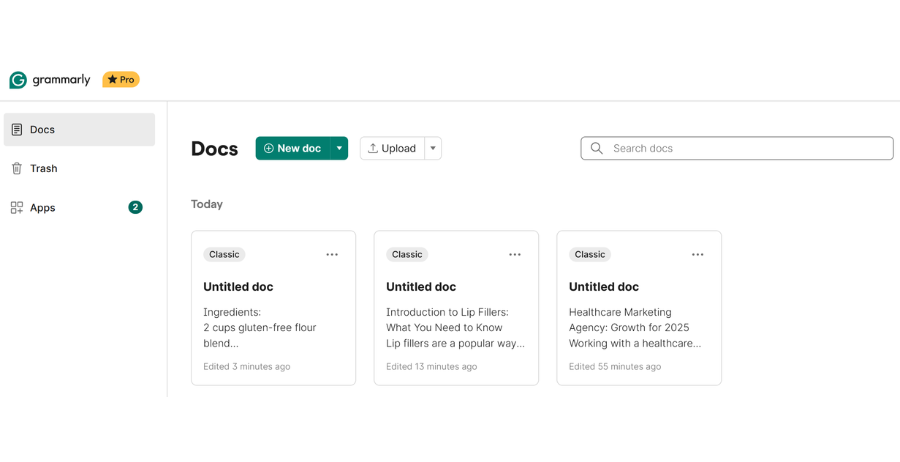
Grammarly is an AI-powered writing assistant that checks grammar, punctuation, and style in real time. It is perfect for essays, reports and presentations.
How to Use It:
Install the browser extension, desktop app or mobile keyboard. Grammarly automatically highlights mistakes and suggests corrections while you type in Word, Google Docs or emails.
Student Tip: Best for polishing essays and avoiding grammar slips in reports. The free version is enough for most students.
QuillBot
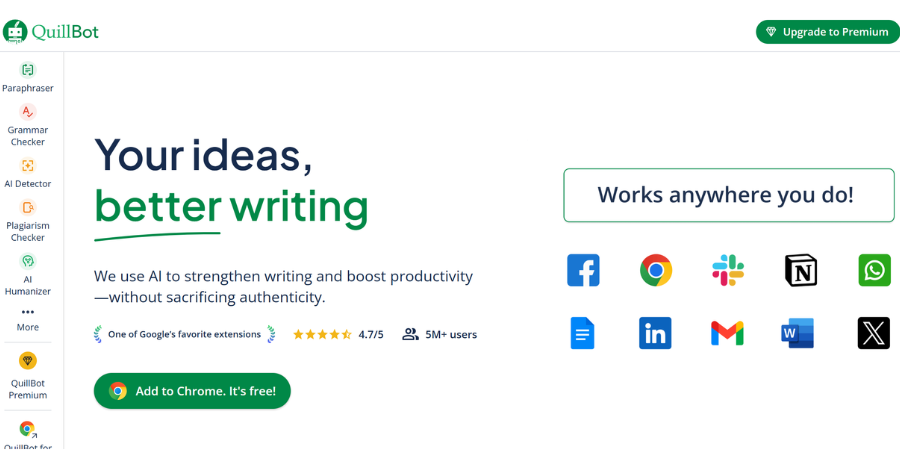
QuillBot specializes in paraphrasing and summarizing text. It helps you reword complex material in simpler language without changing the meaning.
How to Use It:
Go to quillbot.com, paste your text, and select a rewriting mode like Fluency or Concise. The free version has word limits while the premium offers unlimited rewriting and plagiarism checking.
Student Tip: Best for rewriting research notes into your own words and avoiding accidental plagiarism.
Scholarcy
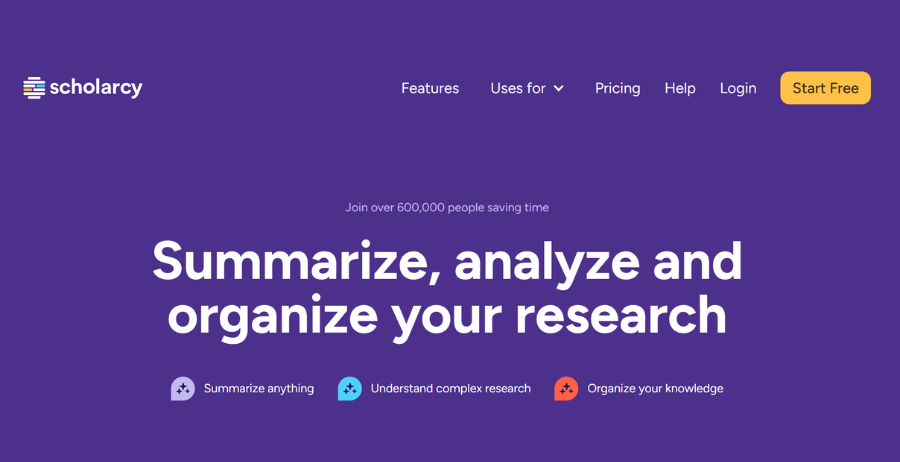
Scholarcy is designed for researchers and students working with academic papers. It condenses lengthy PDFs into short summaries with highlighted key points.
How to Use It:
Upload a PDF research paper to Scholarcy’s web app. It instantly generates a summary, extracts references and highlights key sections.
Student Tip: Best for saving time on literature reviews and quickly scanning multiple papers.
AI Note-Taking & Summarization
Tired of messy notes? These tools transcribe, summarize and organize your lectures and study materials.
Notion AI
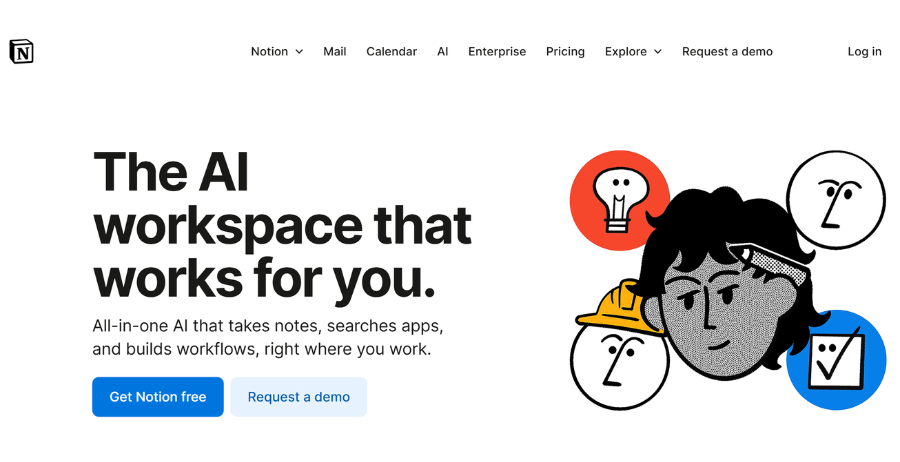
Notion AI is a powerful tool that combines note-taking, task management and AI-powered summaries all in one place.
How to Use It:
Install the Notion desktop or mobile app, create a workspace and activate AI features. Use prompts like Summarize these notes or Generate a to-do list from this lecture.
Student Tip: Best for creating a personal study hub where all your notes and tasks stay organized.
Otter.ai
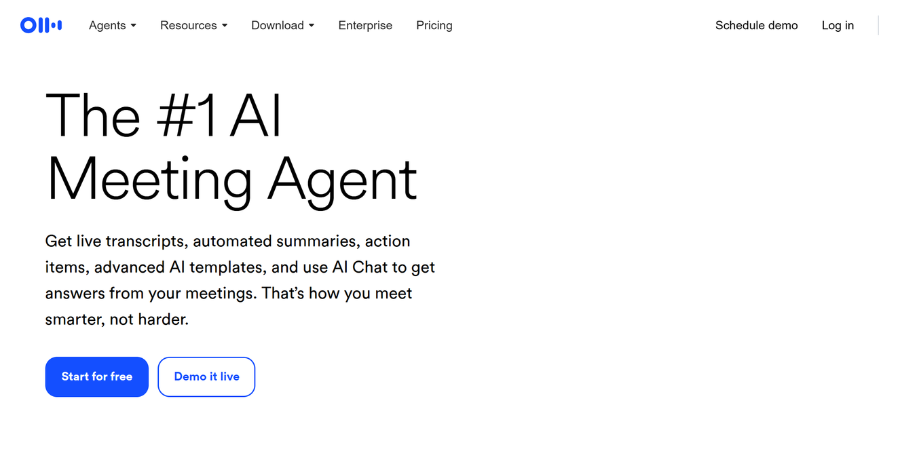
Otter.ai is a lecture transcription app that records classes and creates searchable notes in real time.
How to Use It:
Download the Otter.ai mobile app or use the web version. Hit record during lectures and Otter will transcribe speech into text. You can highlight, comment, and search notes later.
Student Tip: Best for lecture-heavy courses where fast note-taking is tough.
Evernote AI
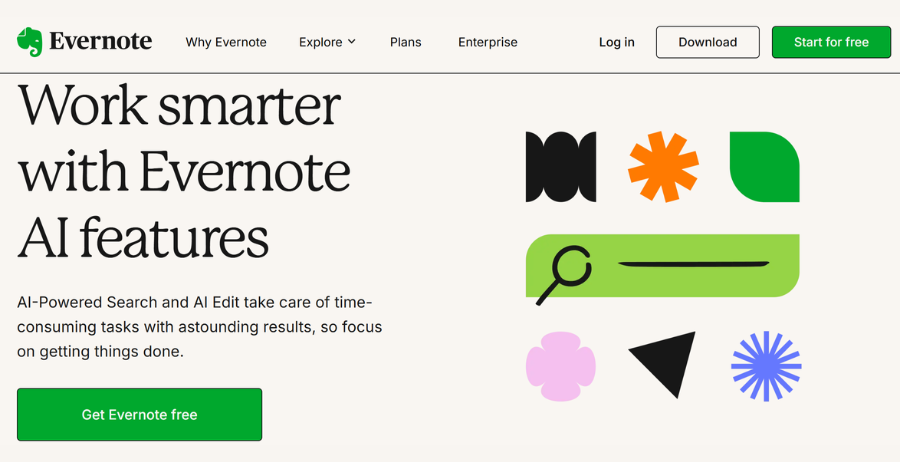
Evernote now comes with AI-powered summaries and note organization. This makes easier to prepare for exams.
How to Use It:
Install Evernote on your laptop or phone. Use AI features to auto-organize notes into notebooks and generate study summaries. The free plan allows syncing across two devices, while the premium plan unlocks more features.
Student Tip: Best for students who want long-term and cloud-based note storage with smart summaries.
AI Productivity & Task Management
Deadlines and group projects can get overwhelming these tools keep you on track.
Click Up AI
Click Up AI helps manage group projects, assignments and tasks with AI-generated summaries and reminders.
How to Use It:
Sign up on clickup.com. Create a workspace for your class project, add tasks and use AI to break them down into subtasks or generate meeting summaries.
Student Tip: Best for group projects or thesis work that requires collaboration.
Todoist AI
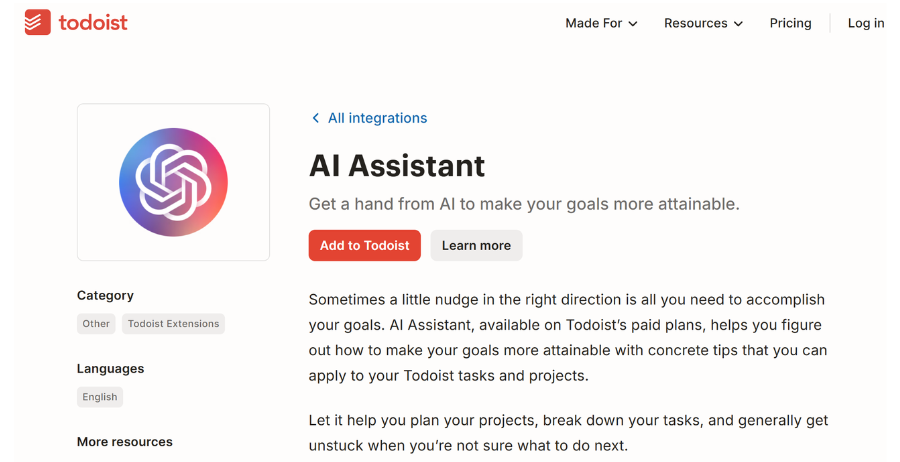
Todoist AI is a simple productivity tool that prioritizes and schedules tasks intelligently.
How to Use It:
Install Todoist on your phone or laptop. Add assignments or exam dates, and let AI organize them into a daily or weekly to-do list.
Student Tip: Best for students who need a simple and distraction-free task manager.
Study Crumb
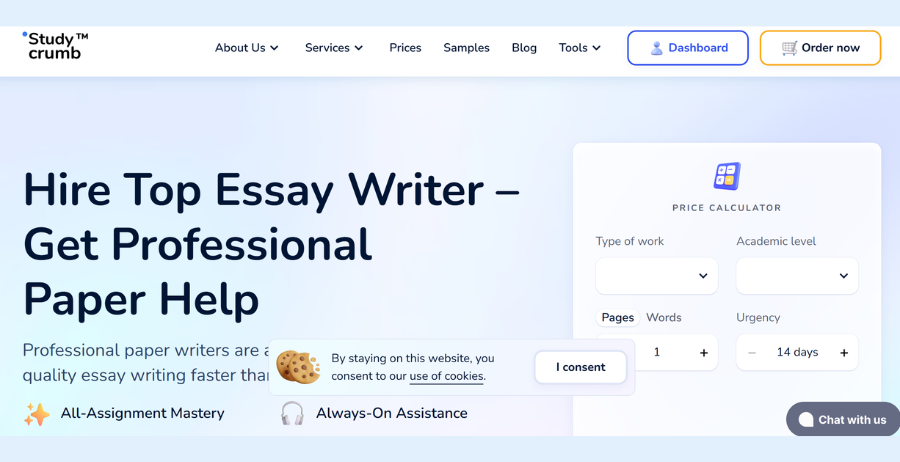
Study Crumb is tailored for academic needs with features like essay outlines, writing help and citation generation.
How to Use It:
Visit studycrumb.com and use tools like AI essay generators, citation makers and grammar checkers.
Student Tip: Best for creating structured essays and handling citations quickly.
AI for STEM & Coding
For math, science and programming students these AI tools are lifesavers.
Wolfram Alpha
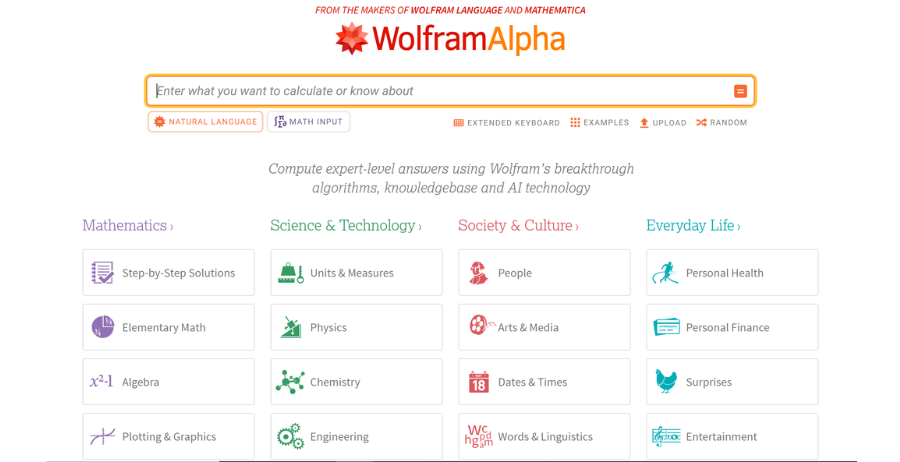
Wolfram Alpha is a computational knowledge engine that solves equations, generates graphs, and explains steps.
How to Use It:
Go to wolframalpha.com, type a query (e.g., “integrate x^2 + 3x”), and get instant step-by-step solutions. The Pro version offers extra features like step-by-step explanations.
Student Tip: Best for math and science homework where step-by-step clarity is needed.
MathGPT
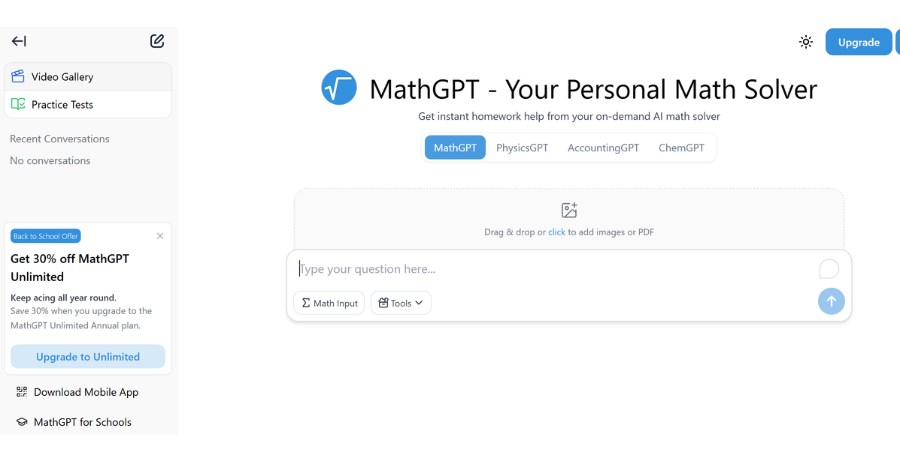
MathGPT is an AI tool built for solving complex math problems with natural language queries.
How to Use It:
Visit MathGPT’ s website, enter your problem in plain English (e.g., “Solve quadratic equation x^2 – 5x + 6 = 0”) and get step-by-step solutions.
Student Tip: Best for quick homework checks and basic math practice.
GitHub Copilot
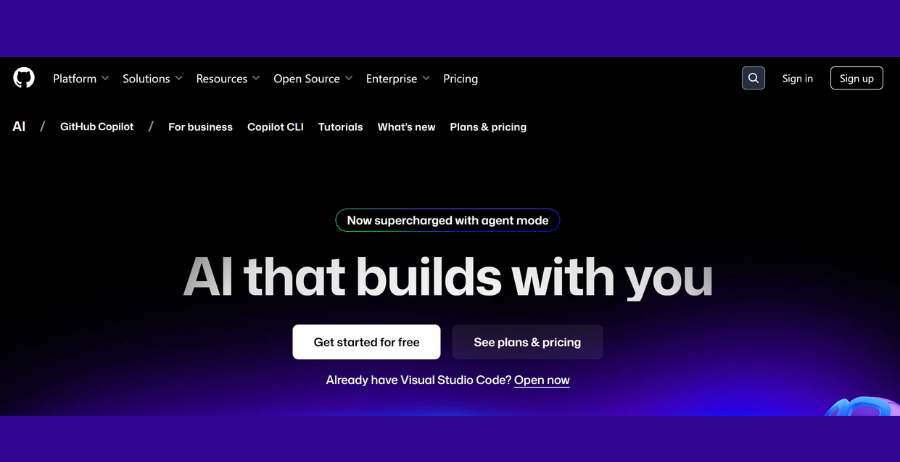
GitHub Copilot is an AI coding assistant that suggests code, helps debug and speeds up programming tasks.
How to Use It:
Install the GitHub Copilot extension in Visual Studio Code. As you type it auto-completes lines of code and offers fixes. Free trial for students, otherwise $10/month.
Student Tip: Best for coding practice and debugging but do not rely on it to write entire projects.
AI for Presentations & Creativity
Assignments are not just about writing sometimes you need to impress with design and creativity.
Canva AI
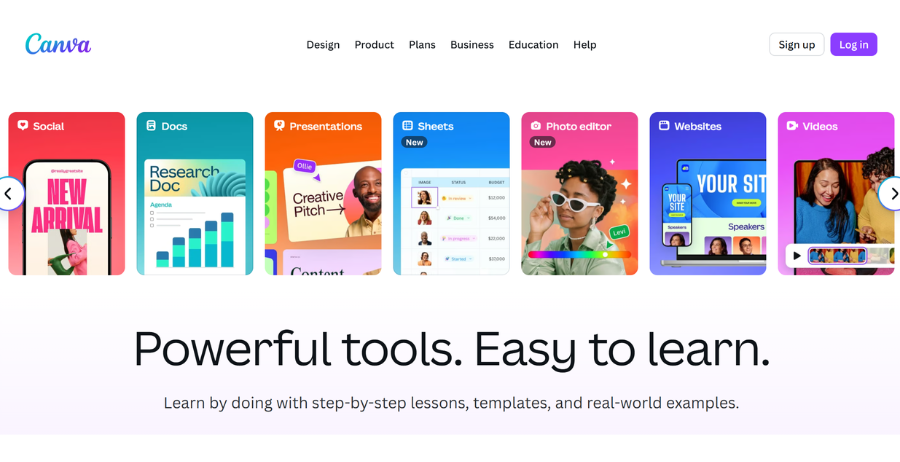
Canva’s AI features help design presentations, posters and images in seconds.
How to Use It:
Sign up for Canva, select Presentation and use AI-powered tools like Magic Design to auto-generate slides.
Student Tip: Best for making professional-looking slides quickly without design skills.
Tome AI
Tome creates ready-made slide decks from a short text prompt.
How to Use It:
Go to tome.app, enter your topic (e.g., Causes of World War I) and Tome will generate a complete presentation draft.
Student Tip: Best for last-minute projects when you need a quick draft to refine.
SlidesAI
SlidesAI turns plain text into slide presentations automatically, perfect for class presentations.
How to Use It:
Install SlidesAI as a Google Slides add-on. Paste your notes and it will convert them into formatted slides.
Student Tip: Best for academic presentations that need clarity and speed.
Responsible Use & Ethics
AI is powerful, but using it carelessly can backfire. Risks include plagiarism, hallucinated facts, and over-dependence that weakens your own skills. Many students ask: Is it ethical to use AI for homework? The answer depends on how you use it.
Universities typically allow AI for brainstorming, outlining, or research support. But not for submitting unedited and completely AI-generated work. Always double-check policies, cite sources properly and treat AI as a helper not a shortcut.
Tip: How to Use AI Without Cheating
- Use AI to brainstorm ideas not final drafts
- Always fact-check and add your own analysis
- When in doubt ask your professor
FAQ:
Q1: Is It Ethical To Use AI for Assignments?
Yes, if you use AI as a helper not a shortcut. Always follow your school’s rules and never submit AI-written work as your own.
Q2: What Are The Best Free AI tools For Students?
Some of the best free options are ChatGPT (basic plan), Grammarly Free, Notion AI (limited use) and Canva Free.
Q3: Can AI Tools Replace Human Tutors?
No, AI tools can explain and guide. But they can not replace a teacher’s personal feedback or emotional support.
Q4: Which AI tools Work Best With Slow Internet?
Lightweight tools like QuillBot, Grammarly and Todoist AI work smoothly even with slower connections.
Conclusion
AI tools are like smart study assistants they help you write better, take notes faster, solve problems and stay organized. But remember, they are not a replacement for your own thinking, creativity or learning.
If you are a student, start experimenting with a few tools from this guide and see which ones fit your study style best. Explore more articles on our website or subscribe to updates so you never miss new insights.